The Employee Leave Tracker is a Microsoft Excel–based application designed to help organizations efficiently manage employee leave records in a clear, structured, and easy-to-use format.
The workbook allows authorized users to:
- Record and track employee leave balances
- Monitor leave usage over time
- Maintain accurate leave records in a centralized file
- Support internal reporting and administrative review
System Requirements
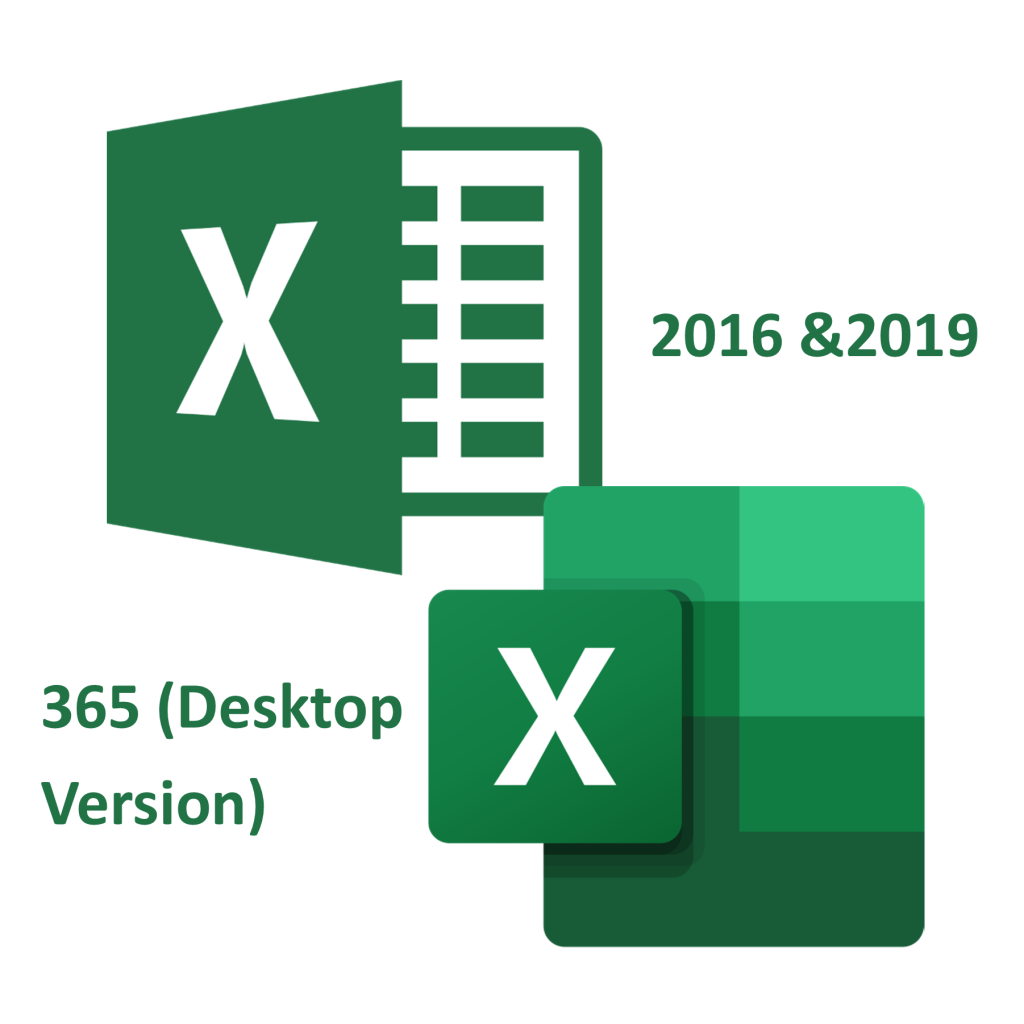
Supported versions: Microsoft Excel (desktop version) is required
- Microsoft Excel 2016
- Microsoft Excel 2019
- Microsoft Excel 365 (Windows desktop)
The solution is ideal for small to medium-sized teams that require a reliable, offline-capable leave tracking system without the complexity of a full HR platform.
Licensing & Activation
This workbook requires a valid license code to activate and use all features.
- A license must be purchased before the workbook can be activated
- License code(s) are issued by the application provider
- Licensing terms can be configured to allow use on one or more devices as required
Licenses are issued annually, and activation is required to unlock full functionality.
Pricing starting at
- BBD $1,188 per year (or part thereof) for access on one device and up to 50 employees
- BBD $25 per month for each additional device requiring access
Pricing includes customized version of workbook (addition of your organizations logo).
Requesting Download & License Code(s)
To obtain access to the download and request a license code(s):
- Use the Contact Form on this site
- Specify the number of devices required
- Upload logo (optional)
- A quotation and license details will be provided accordingly
Once licensing is confirmed, you will receive:
- The download link for the workbook
- The license code(s) required for activation
This workbook will not function correctly in:
- Google Sheets
- Excel Online (browser-based)
- Other spreadsheet applications that do not support Excel macros
Macros must be enabled for the workbook to operate as intended.